
If you're using Censornet, you should allowlist CanIPhish inside Censornet to ensure all CanIPhish simulated phishing emails and training notifications land in the intended recipients inbox.
Please follow the steps outlined below to implement this allowlist.
- While logged into the Censornet admin portal, go to Products > Email Security > Spam Safe List:
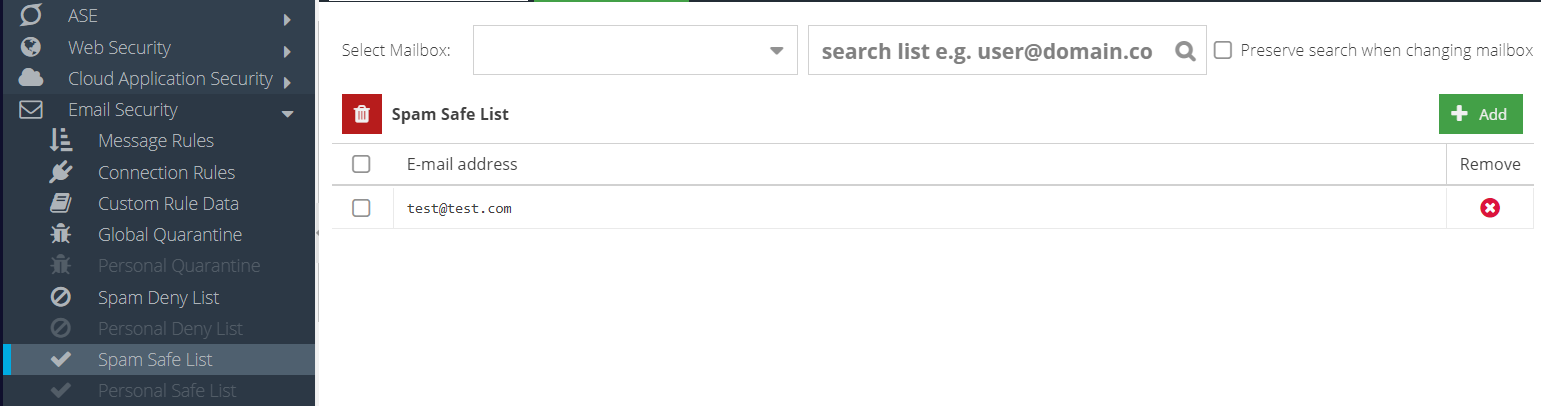
Repeat this step for each of the two IP addresses listed below. Click the Add button, enter one IP address, and then click Update.
3.106.21.22
13.237.47.221
You're all done! If you run into any issues, please contact the CanIPhish support team.
Comments
0 comments
Please sign in to leave a comment.